
HomeMedVex DCIMS
لمحة عن النظام — Overview of the System
MedVexDCIMS

System overview

Comprehensive overview

12+ years of continuous development

Built on more than 12 years of continuous development and innovation, MedVex represents the next generation of advanced hybrid systems, combining the speed and reliability of desktop applications for real-time operations and direct instrument connectivity with the flexibility of cloud synchronization for multi-branch management and digital healthcare transformation.

Five core departments

The system integrates five connected areas: operations and workflows, financial and administrative reports, specialized tests and experiments, inventory management, and administration and security control.

Advanced, innovative technologies

The software uses automated instrument connectivity (LIS), smart patient queue and turn management, encrypted digital signatures, and instant intelligent delivery of results through Telegram and WhatsApp.

Distinctive capabilities

The system offers exceptional flexibility in managing and configuring all laboratory and diagnostic workflows — from routine testing to histopathology, pathology, PCR, and radiology services within a unified patient record — alongside precise revenue monitoring and interactive dashboards that support decision-making and real-time response.

Importance and added value

MedVex helps minimize human errors, improve the patient experience, and increase laboratory profitability and efficiency, moving medical institutions toward a smart, integrated future.

01

From reception to results

Connected daily workflows and test exchange between centers.

MedVex / DCIMS

Operations

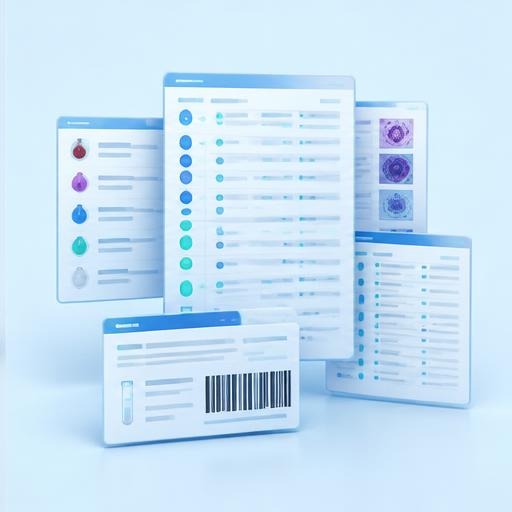
Operations is the driving force and beating heart of the laboratory. It brings together every stage of the digital workflow, from patient reception, queue organization and account management to instrument automation and precise results preparation, aiming for outstanding operational efficiency and fast, dependable healthcare.

Operations

Reception

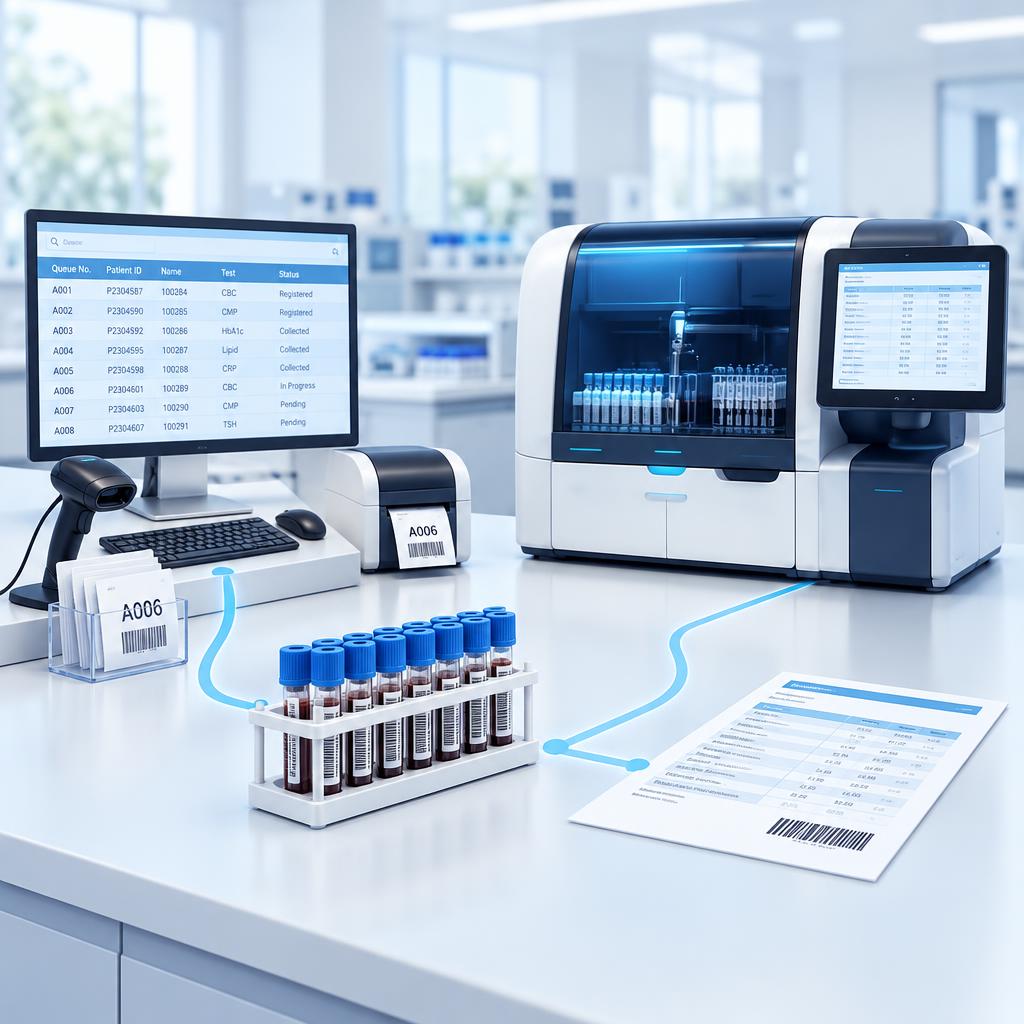
Register patients, select tests, issue invoices, print labels and retrieve previous records.

Laboratory interfaces · LIS

Connect laboratory instruments and receive their test results automatically.

Work list

Define the laboratory work assigned to each department.

Cash desk

Calculate invoice amounts and print issued invoices.

Queue board

Display the patient waiting list.

Turn display

Provide a visual patient queue.

Results management

Enter, edit, confirm, monitor and print results; deliver them through SMS, web, Telegram and WhatsApp.

Label printing

Print additional specimen labels when needed.

Group results

Review grouped test results and print their reports.

MedVex / DCIMS

Center communication

Center communication is the laboratory’s logistical bridge and medical integration hub. It organizes outgoing tests to partner centers and receives and reviews incoming tests, expanding diagnostic services and strengthening medical collaboration to provide comprehensive, integrated healthcare for the community.

Center communication

Outgoing tests

Send tests to other centers.

Incoming tests

Track tests received from other centers.

MedVex / DCIMS

Panels

Panels is the laboratory’s structural control and configuration center. It customizes label panels and their placement for each user, alongside analytical worksheets and test groups, creating a flexible, precisely organized working interface for smooth specimen tracking and consistent departmental performance.

Panels

Label panel

Configure the label type.

Label positioning

Configure label markers and label placement for each user.

Test panel

Configure grouped tests on the analysis panel.

Worksheet panel

Configure a worksheet for each laboratory department.

02

Tests and diagnostic specialties

Test configuration, pathology, PCR and radiology in one system.

MedVex / DCIMS

Tests and experiments

Tests and experiments provides the foundation for defining analytical standards. It configures detailed test settings, ranges and diagnostic terminology, including antibiotics and colony counts, as well as turnaround times and specialized report tabs, creating an integrated, precise testing framework that turns biological specimens into reliable scientific results.

Tests and experiments

Test definitions

Configure test groups, ranges, methods, units, names, codes and specimen types.

CBC-Diff

Configure differential blood count settings.

Test dispatch

Configure cooperating laboratories and sent tests.

Departments

Configure laboratory and test departments.

Result terminology

Configure result expressions, comments, antibiotics, colony counts and clinical terminology.

Result turnaround

Set the response time for tests.

Test questions

Configure questions and conditions for tests.

Report tabs

Configure dedicated result sheets for urinalysis, fungi, fluids, semen cultures and other tests.

MedVex / DCIMS

Pathology

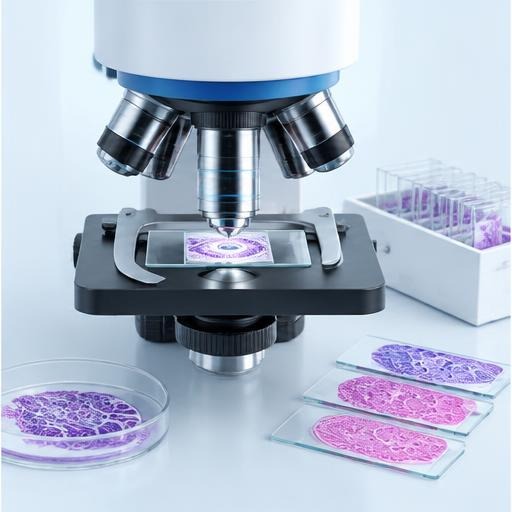
The Pathology module provides an advanced diagnostic environment for cellular and tissue pathology, enabling standardized synoptic reporting, full specimen chain-of-custody tracking, and precise cytology workflow management.

Pathology

Pap smear and cytology

Configure cervical cytology workflows and standardized Bethesda-aligned reporting templates.

Pathology templates and panels

Standardized synoptic templates for gross and microscopic descriptions and final diagnoses.

Specimen workflow and custody

End-to-end chain of custody tracking from specimen grossing and block processing to consultant sign-off.

Histopathology and biopsies

Documenting tissue biopsies, special stains, and immunohistochemistry (IHC) findings.

MedVex / DCIMS

PCR analysis

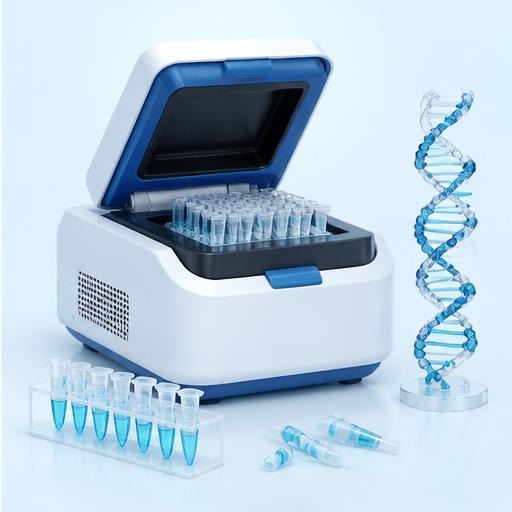
PCR analysis is the laboratory’s advanced biological unit for precise diagnostics. It configures polymerase chain reaction templates and genetic patterns, together with core methods, examples and experiments for accurate specimen characterization, supporting biological decoding and pathogen detection with high sensitivity and scientific reliability.

PCR analysis

PCR templates

Configure PCR templates and panels.

PCR definitions

Configure core definitions, methods, examples, specimens and experiments.

MedVex / DCIMS

Radiology

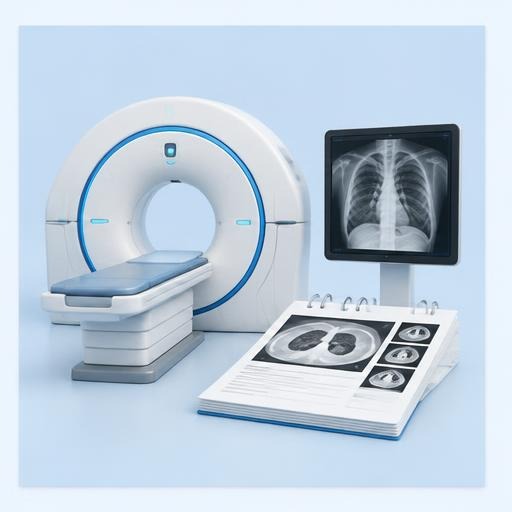
Radiology is the advanced diagnostic imaging pillar within MedVex DCIMS, providing an integrated platform for recording and documenting imaging reports across all modalities — from X-Ray and Ultrasound to CT Scan and MRI. The radiologist writes and digitally approves each report so it links instantly to the patient’s unified medical record, with the final report delivered directly to the patient as a fast, secure online link.

Radiology

All imaging modalities

Manage and document Ultrasound, X-Ray, CT Scan and MRI reports.

Structured reporting and digital sign-off

Ready medical templates that help the radiologist record findings and approve results with a verified digital signature.

Instant online report links

Automatically send the approved radiology report to the patient as a direct online link via WhatsApp or messages, to open and download from anywhere.

Unified diagnostic record

Combine radiology, laboratory and PCR reports in one complete health file that gives the treating physician a full view of the patient’s health.

03

Reports, contracts and inventory

Clear financial reporting, partner management and product movements.

MedVex / DCIMS

Reports

Reports is the laboratory’s strategic and analytical arm, turning operational data into precise digital insights on test revenue, contracts, financial oversight, reception and performance records. It gives management a clear view of cash flow and income details, supporting informed decisions for growth and sustainability.

Reports

Reception reports

Report on reception, results and patient counts.

Income details

Review income details and related accounts.

Test revenue

Report revenue generated by laboratory tests.

Account reports

Report cash, debts, discounts and laboratory accounting entries.

Financial control

Review financial reports and income discounts.

Contract income

Report partners’ contract shares and accounts.

Contract reports

Report external laboratory and partner contracts.

Revenue

Review laboratory revenue reports.

Activity log

Review laboratory users and the actions they perform in the software.

Test analysis

Review laboratory test reports and analysis.

Doctors and patients

Review doctors’ test reports and associated patient lists.

Sent tests

Report tests sent out by the laboratory.

Cooperating laboratories

Review analysis reports for cooperating laboratories.

Referrals

Report patient visit counts.

COVID-19

Review COVID-19 test reports.

Reference ranges

Review reports of normal test ranges.

Revenue analysis

Review revenue analysis reports.

MedVex / DCIMS

Contracts and doctors

Contracts and doctors forms the laboratory’s strategic network and legal and financial hub. It manages medical partnerships through doctor registration, specialist groups, internal and external partner contracts, test price lists and share details, supporting trusted professional collaboration and a flexible, transparent partnership framework.

Contracts and doctors

Doctors

Add doctors and manage their system settings.

Doctor groups

Configure lists of specialist doctors.

Partner centers

Configure contracts with laboratories and partner centers.

Contracts

Manage internal and external contracts, their details and shares.

Test tariffs

Configure test and contract prices.

Health insurance

Manage health insurance contracts, coverage and patient co-pay percentages, patient eligibility and consolidated claim billing.

MedVex / DCIMS

Inventory

Inventory is the laboratory’s logistical lifeline and operational safeguard. It organizes warehouses, product groups and medical kits, continuous stocktaking, goods issue and requests, and precise reorder points through Kardex, maintaining a smooth supply of laboratory materials and avoiding interruptions to medical testing.

Inventory

Product groups

Define and configure product groups.

Warehouses

Define and configure laboratory warehouses.

Kardex

Configure the goods movement ledger.

Goods

Define products and their reorder points.

Kit groups

Define kits and their experiment-related groups.

Stocktaking

Review inventory counts for items, kits and products.

Goods issue

Configure and manage goods issue.

Goods requests

Manage product requests for all users.

04

Administration, settings and connections

User permissions, backups, device configuration, printing and communications.

MedVex / DCIMS

Settings and devices

Settings is the digital brain and structural engineer of the laboratory system. It connects and synchronizes infrastructure through printer and medical-device configuration, IP addresses and advanced tags, alongside invoice and medical-report print templates and bank account settings, providing a stable, integrated and well-coordinated technical environment.

Settings and devices

Printers

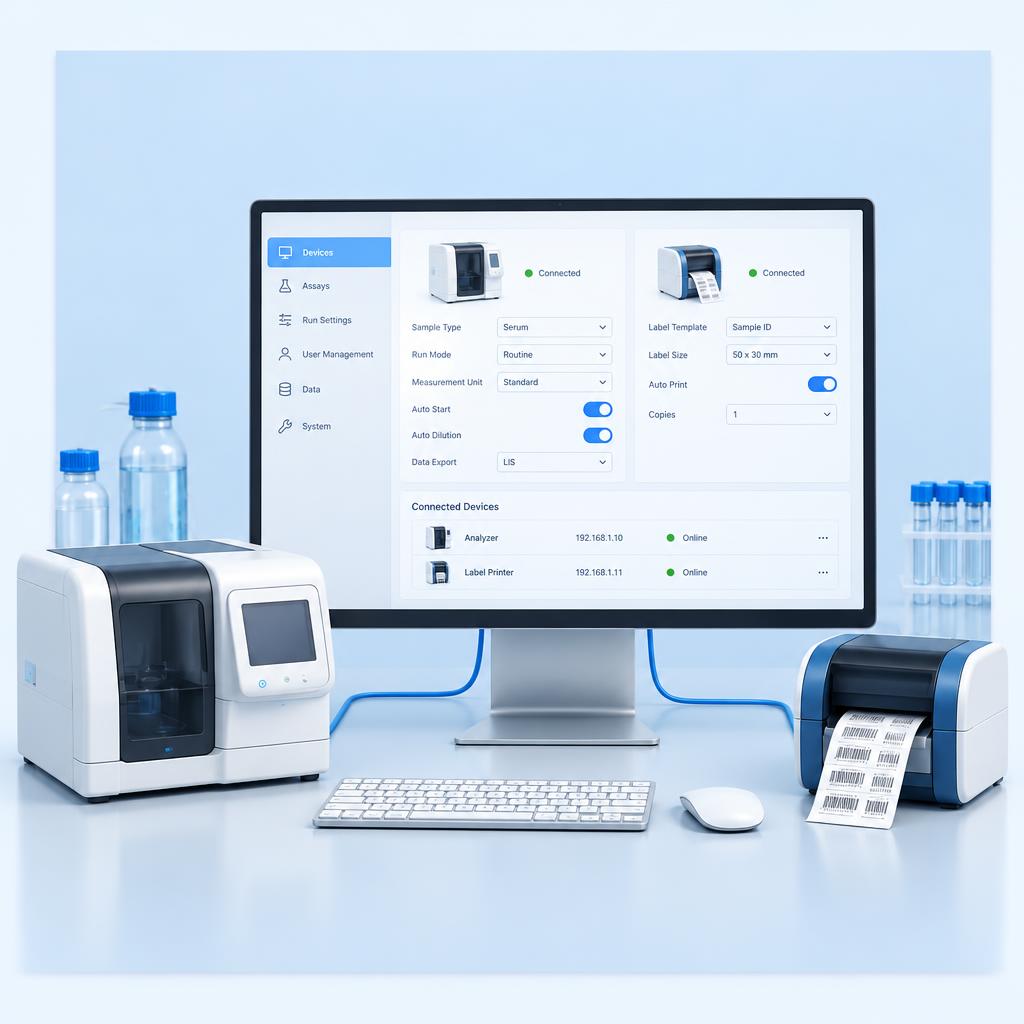
Configure the printers connected to the system.

Print design

Configure invoices, labels, result reports, online results, blood-group cards, prescriptions and CBC-Diff output.

Advanced tags

Configure advanced tags, department markers and user label/IP settings.

Device setup

Configure laboratory instruments, their connections and host-device links.

Banks

Configure banks associated with the laboratory.

MedVex / DCIMS

Management

Management is the laboratory’s guiding mind and strategic leader. It protects digital assets through backups and access permissions, manages users, digital signatures and patient number series, and connects smart communication channels and server updates, supporting strong governance, cybersecurity and comprehensive organizational integration.

Management

Administrative settings

Configure base settings, logs, dictionaries, reception, shortcuts, communications, queues, waste, online booking, requests and specimens.

Users

Add system users and update their details.

Access levels

Define access levels and user permissions.

Backup

Create a backup of the laboratory data stored in the system.

Number series

Configure serial numbering and the monthly patient identifier separator.

Name definitions

Enter names into the system.

Website panel

Configure the website, contact options and system connection.

Calendar

Configure the system calendar, working days and holidays.

Digital signatures

Configure doctors’ and users’ digital signatures on reports.

Telegram

Configure the Telegram bot panel and connect it to the system.

WhatsApp

Configure the WhatsApp panel and system connection.

Server maintenance

Update and restart the server.

MedVex / SMART AI ASSISTANT

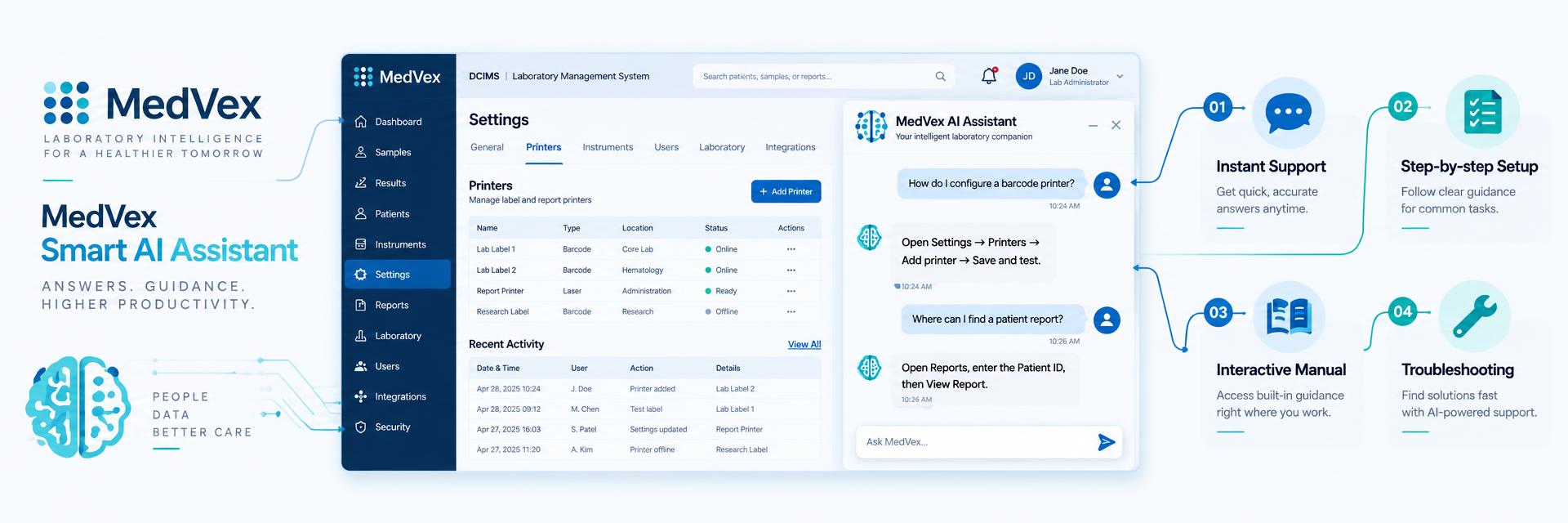
MedVex Smart AI Assistant

A digital guide and contextual assistant for every laboratory department and employee, using AI to answer staff questions and help resolve challenges directly within the system.

MedVex Smart AI Assistant

Immediate support without waiting for service staff

Employees chat with the assistant directly in their department interface and receive clear, practical answers where they work.

Step-by-step setup and settings

The assistant explains the correct configuration steps for different laboratory departments and the task at hand.

Interactive user manual

Instead of reading lengthy manuals, employees can ask at any time and quickly receive clear instructions for using the system.

Troubleshooting with MedVex support expertise

The assistant responds in the role of a specialist MedVex support colleague, helping maintain efficient, high-quality laboratory work.